
Big Baazi India Support and Customer Service
Big Baazi offers multiple contact channels to assist users with account queries, technical issues, and gameplay concerns. Support is available through live chat, phone, email, WhatsApp, and Telegram, operating 24/7 in English and Hindi. Most live queries are resolved within minutes, while email responses typically arrive within 24 hours.
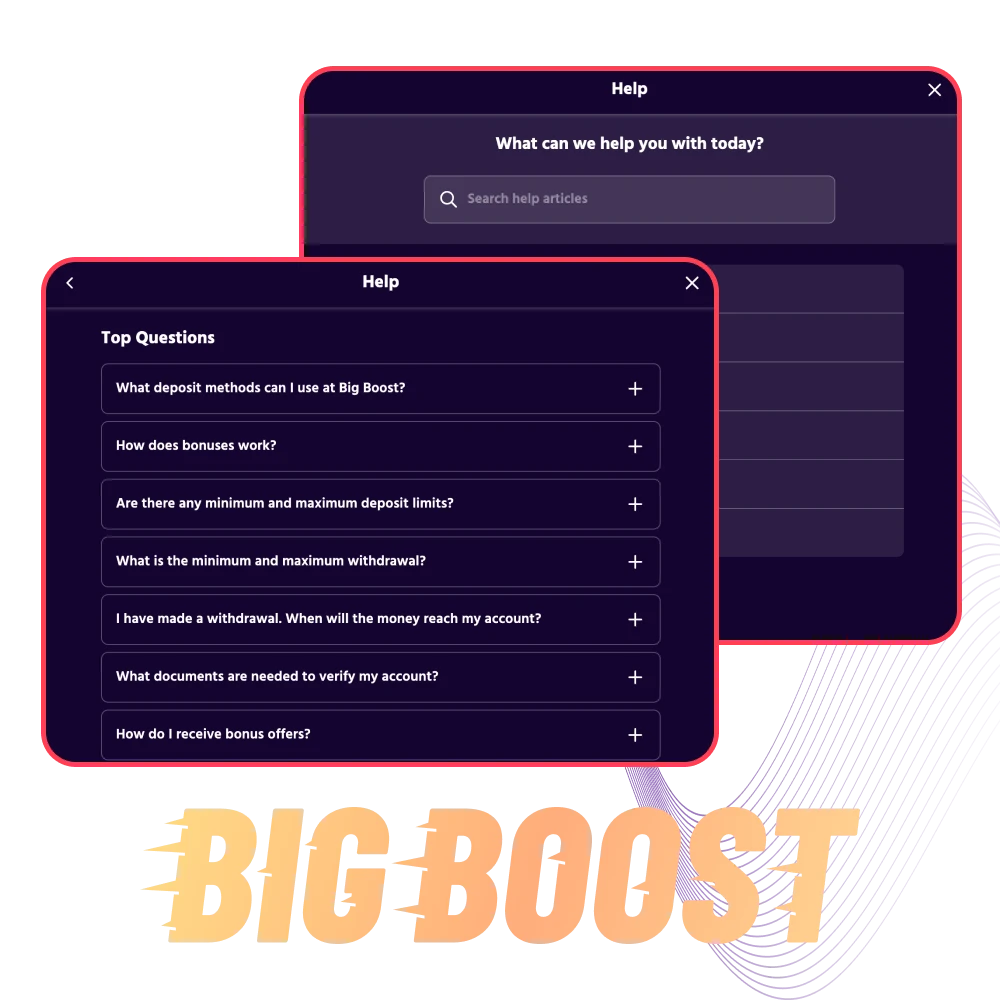
Live Chat Support
Live chat is the fastest way to get answers on the Big Baazi website or app. It connects you directly to the support team for real-time help.
When to use live chat:
- Login or password issues;
- Quick questions about bonuses or promotions;
- Deposit confirmations or withdrawal status checks;
- Game loading errors or app crashes;
- Verification or KYC document queries.
How to access:
Click the chat icon at the bottom right of the website or open the support section in the app. Chat is available 24/7 in English and Hindi.
Response time:
Most queries are answered within 2-5 minutes during peak hours. Off-peak times are usually faster.
Tips for faster service:
- Have your registered mobile number or user ID ready;
- Mention the issue clearly in the first message;
- Upload screenshots if the problem involves an error screen or payment failure.
Email Support
Email support is ideal for detailed complaints, document submissions, or issues that need written records. Use this channel when live chat is unavailable or the matter requires documentation.
When to use email:
- Submitting KYC or identity documents;
- Formal complaints about account suspension or disputed bets;
- Requesting transaction history or account statements;
- Issues requiring screenshots, IDs, or proof of payment;
- Queries that don’t need immediate resolution.
How to send an email:
Send your query to [email protected] (example address). Include your registered mobile number, user ID, and a clear subject line describing the issue.
Response time:
Most emails are answered within 12-24 hours. Complex cases may take up to 48 hours.
Tips for faster responses:
- Use a clear subject line like “Withdrawal Issue – User ID 123456”;
- Attach all relevant documents or screenshots in one email;
- Avoid sending multiple emails on the same issue;
- Include your contact number if you’re open to a callback.
Phone Support
Phone support connects you to the customer service team for urgent issues or when you prefer voice communication. It’s best for high-priority concerns or when chat isn’t resolving the problem.
When to use phone support:
- Urgent withdrawal or deposit failures;
- Account lockouts or security concerns;
- Technical issues blocking gameplay;
- Verification problems preventing withdrawals;
- Escalations after unresolved chat or email queries.
How to call:
Dial the Big Baazi helpline number displayed on the website’s contact page. Support is available 24/7 in English and Hindi. Toll-free calling may be available depending on your location.
Response time:
Calls are typically answered within 3-5 minutes during peak hours. Hold times are shorter late at night or early morning.
Tips for faster service:
- Have your registered mobile number and user ID ready before calling;
- Call during off-peak hours (late evening or early morning) for shorter wait times;
- Note down the support agent’s name and reference number for follow-ups;
- Keep screenshots or transaction IDs handy if discussing payment issues.
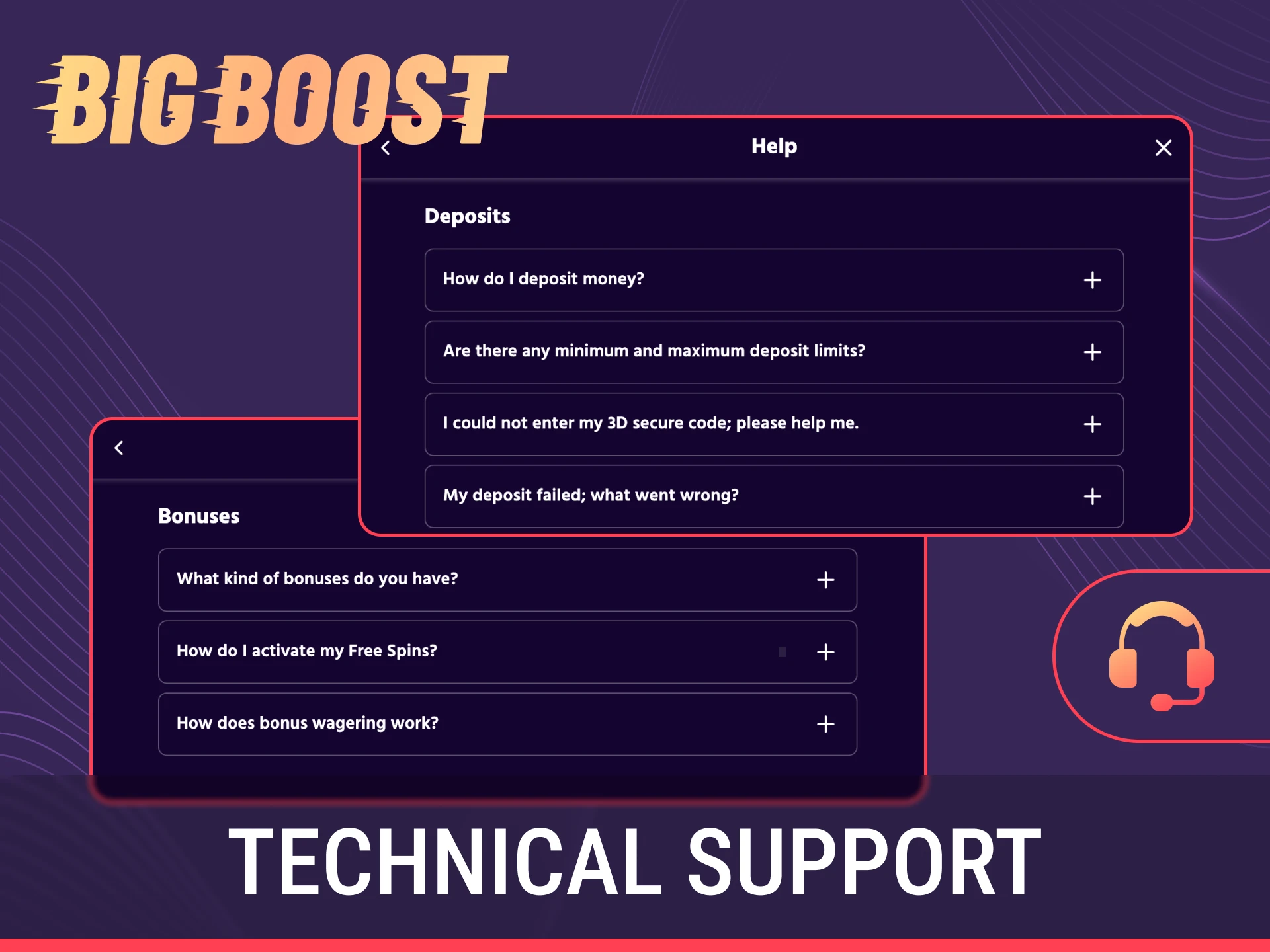
Technical Support
Technical support handles app crashes, payment gateway errors, game malfunctions, and login failures. This team is trained to resolve platform-specific issues beyond general customer service.
When to contact technical support:
- App not loading or crashing repeatedly;
- Payment gateway errors or failed deposits;
- Unable to log in after multiple attempts;
- Game freezing or disconnecting mid-play;
- Bonus not credited despite meeting conditions;
- Issues with UPI, net banking, or card payments.
How to reach technical support:
Use the “Technical Issue” option in live chat or email [email protected] (example address). For urgent cases, mention “Technical” in the phone call introduction.
Response time:
Technical queries are prioritized. Live chat responses arrive within 5-10 minutes. Email-based technical issues are resolved within 24 hours.
Tips for faster resolution:
- Take a screenshot of the error message or crash screen;
- Mention your device model, OS version, and app version;
- Include transaction ID or reference number for payment failures;
- Describe the exact steps that led to the issue;
- Clear cache or reinstall the app before contacting support if the issue persists.
VIP and Priority Support
VIP players and high-tier members receive dedicated support with faster response times and personalized assistance. Priority service is available for eligible users who meet certain activity or deposit thresholds.
Who qualifies for VIP support:
- Players who maintain a certain monthly deposit or turnover level;
- Members enrolled in the Big Baazi loyalty or VIP programme;
- High-stakes players with active accounts.
What VIP support offers:
- Dedicated account manager or priority contact line;
- Faster withdrawal processing and verification;
- Personalized bonus offers and exclusive promotions;
- Direct escalation for unresolved issues;
- Priority access during peak hours.
How to access priority support:
Check your account dashboard for VIP status. If eligible, you’ll receive a dedicated contact number or email. Priority support may also be available through a special chat channel marked “VIP.”
Response time:
VIP queries are answered within minutes on live channels. Email responses arrive within 6-12 hours.
Tips for maximizing VIP support:
- Keep your VIP status active by meeting monthly thresholds;
- Use the dedicated contact method provided to you;
- Mention your VIP status when contacting general support if you don’t have the direct line;
- Provide feedback on service quality to improve your experience.

Comments
Updated:
Social Media and Messaging Support
Big Baazi offers support through WhatsApp, Telegram, and social media platforms. These channels are convenient for mobile users who prefer messaging apps over email or phone calls.
When to use messaging platforms:
Available platforms:
Response time:
WhatsApp and Telegram queries are usually answered within 10-30 minutes. Social media responses may take 1-2 hours depending on volume.
Tips for effective messaging: